The Video Title is a key data point in the Viral Vue extension and the web app. It appears as a column in several areas, displaying the title of each video. Each title is clickable, allowing you to go directly to the actual video to view the content firsthand.
This applies not only to your own influencer account but also to other influencers’ accounts, helping you track content trends, creative approaches, and engagement strategies across the platform.
How the Video Title Data Point Helps
Quickly jump into videos without searching manually.
Track and compare performance across your videos and other influencers’.
Spot trends in content titles that might influence engagement.
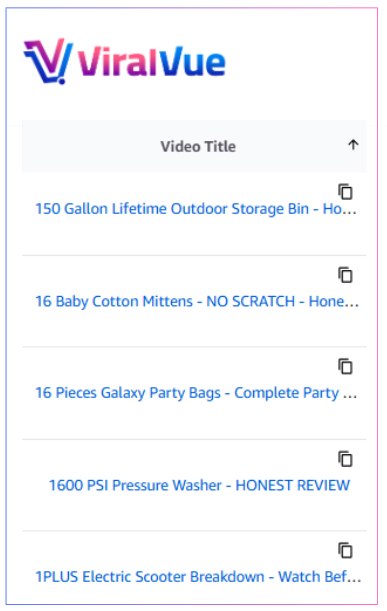 How to Access Video Title in Viral Vue
Extension:
-
Open Product Vue from any of these pages, then toggle on Video Vue. This will switch the view to show all uploaded videos with key details.
Your influencer storefront
Other influencers’ storefronts
Creator Studio
Creator Hub
This also displays in Storefront Optimizer.
Web App:
Go to the Web App > Videos
FREQUENTLY ASKED QUESTIONS
Does the Video Title show updated changes if the influencer edits their title?
Yes, Viral Vue reflects the current title as it appears on the actual content.
Can I sort or filter by Video Title?
Yes.
Need More Help? Use the support chat widget on our Help Center and our team will be happy to assist you.